Actions
UserInterface #638
openC1.1 >> Select Column Search Filter Persists After Cancel in Connect Module
Start date:
01/05/2026
Due date:
01/10/2026 (about 3 months late)
% Done:
0%
Estimated time:
Severity:
Select Severity
Description
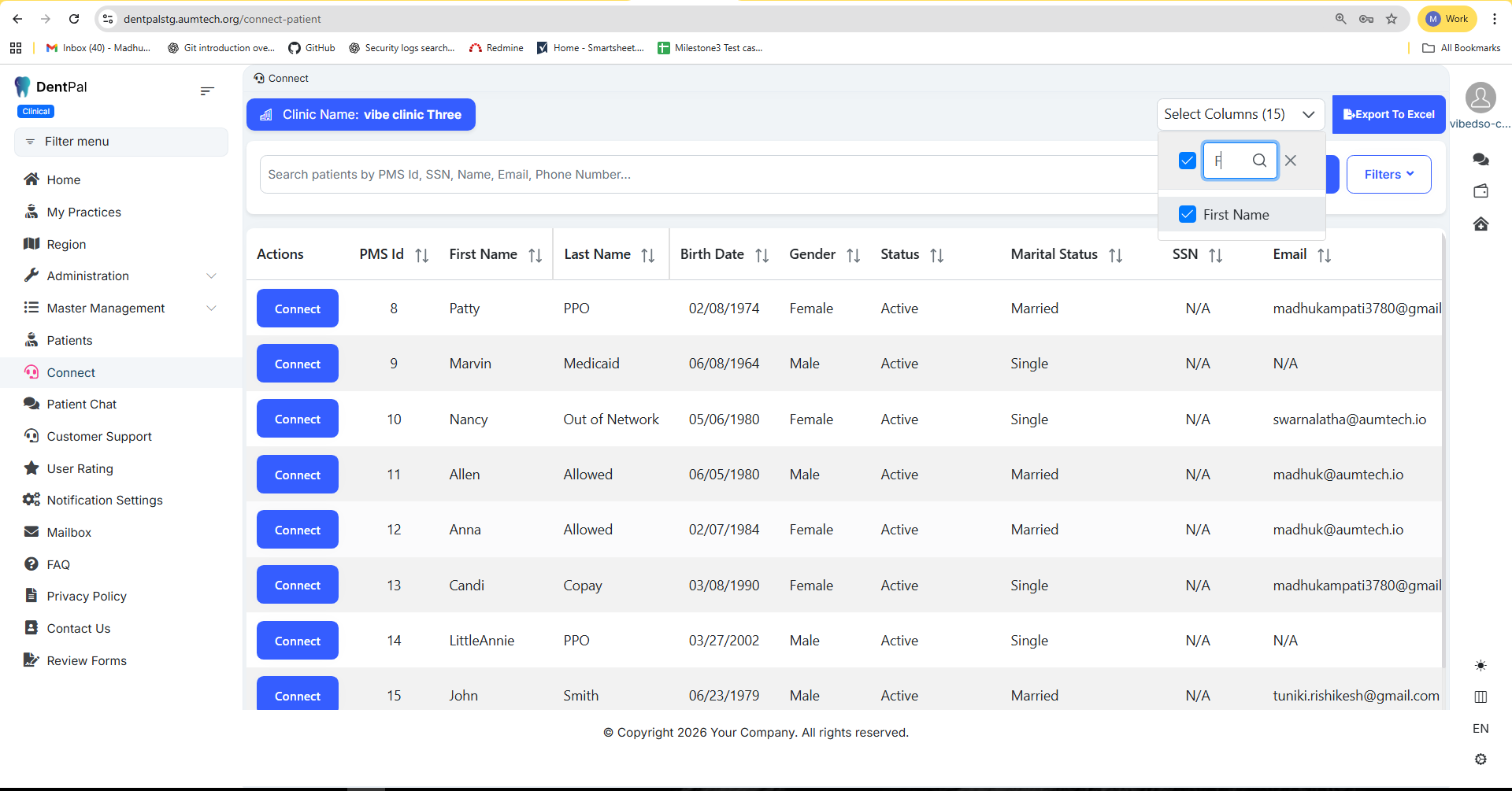
In the Connect module → Go to Select Column → Search for Gender or any other column → Click the Cancel (X) icon → Open Select Column again → It still shows the previous search results instead of displaying all columns.
Expected Result:
After clicking Cancel (X) and reopening Select Column, all columns should be displayed, and the search filter should be cleared.
Files
Updated by RishiKesh Tuniki 3 months ago
- Due date changed from 01/05/2026 to 01/09/2026
Updated by RishiKesh Tuniki 3 months ago
- Due date changed from 01/09/2026 to 01/10/2026
Actions
#3
Updated by Swarna B 3 months ago
- File clipboard-202601201505-sunu3.png clipboard-202601201505-sunu3.png added
- File clipboard-202601201505-na4zz.png clipboard-202601201505-na4zz.png added
- Assignee changed from Swarna B to Madhu Kampati
Fixed:
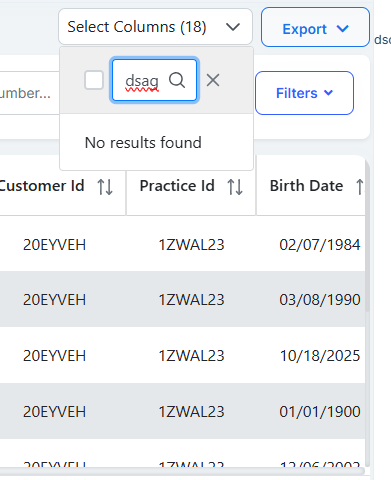
Entered Text:
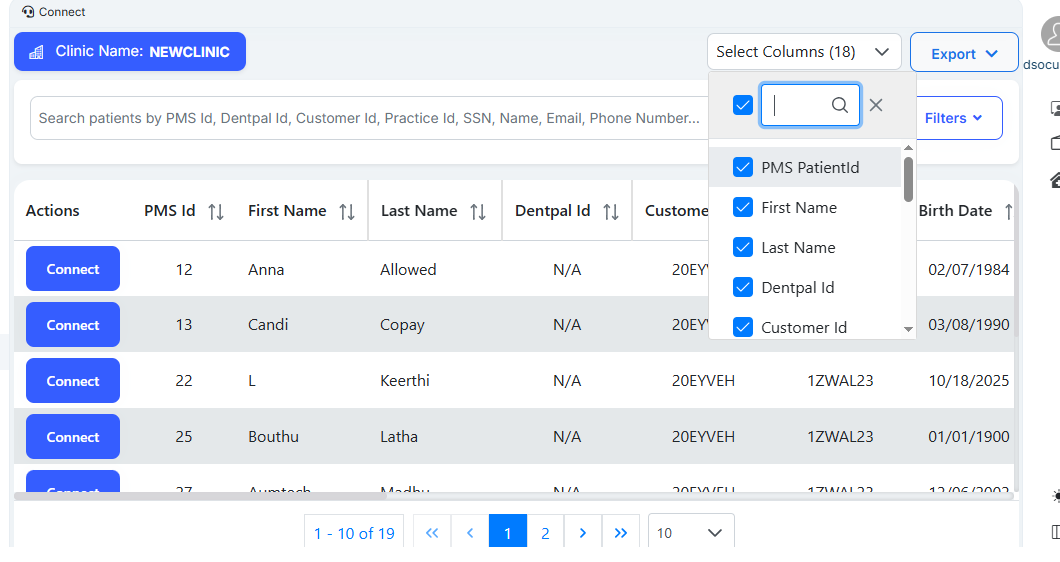
Again opened the select columns:
Actions