Actions
UserInterface #644
openC1.16 > Change “Export to Excel” to “Export” with CSV and PDF Options in My Practice
Start date:
01/06/2026
Due date:
01/13/2026 (about 3 months late)
% Done:
0%
Estimated time:
Severity:
Select Severity
Description
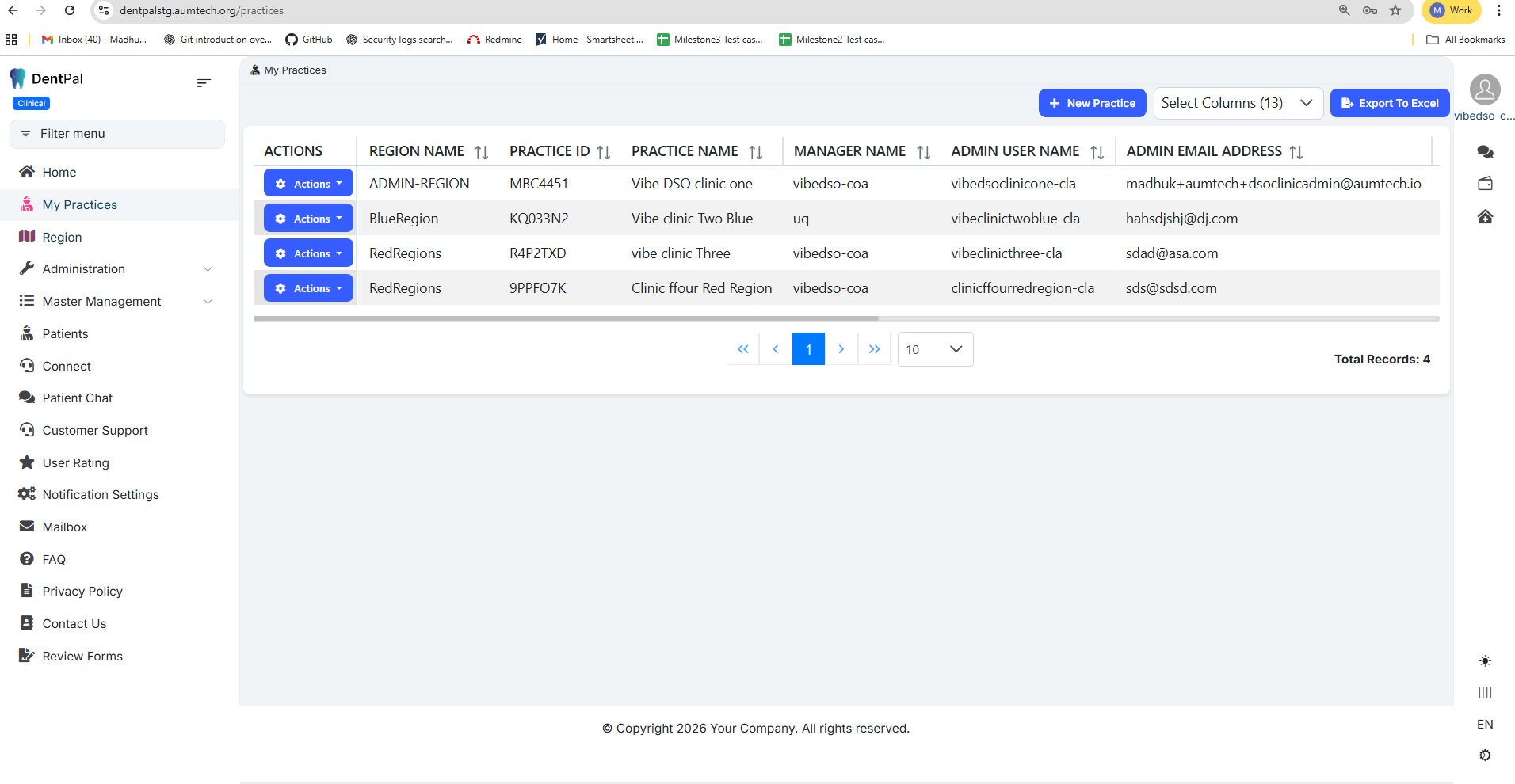
Login as a Company Admin → Go to My Practice →
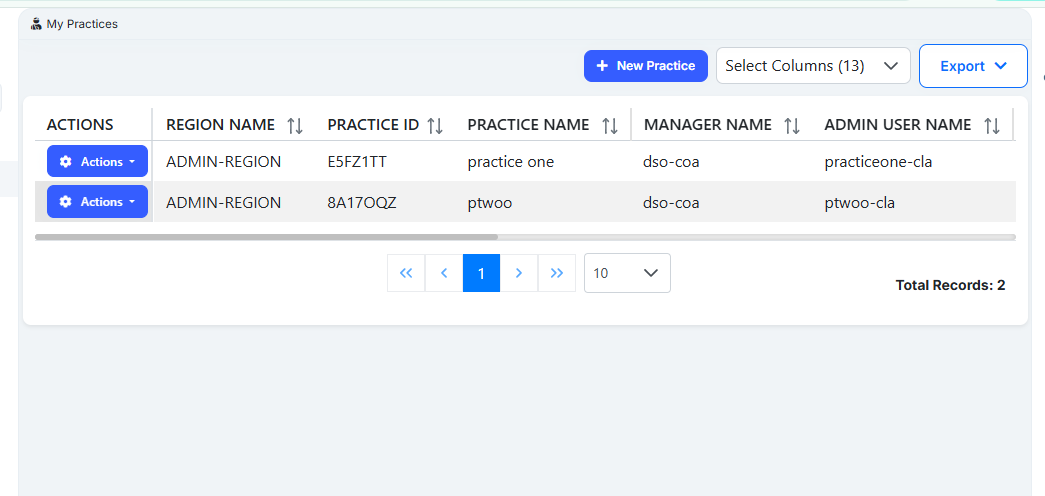
Rename “Export to Excel” to “Export”
On clicking Export, a dropdown should open with the following options:
Export to CSV
Export to PDF
Files
Updated by RishiKesh Tuniki 3 months ago
- Due date changed from 01/06/2026 to 01/13/2026
Updated by Madhu Kampati 3 months ago
- Status changed from Resolved to In Progress
- Assignee changed from Madhu Kampati to RishiKesh Tuniki
Ui is Completed Need to work on Backend
Updated by RishiKesh Tuniki 2 months ago
- Assignee changed from RishiKesh Tuniki to Swarna B
Actions