Actions
Bug #774
openC1.1>> Phone Number Filter – Change to USA Format & Increase Character Limit in Connect Module
Start date:
02/13/2026
Due date:
02/13/2026 (about 2 months late)
% Done:
0%
Estimated time:
Test Phase:
Functional Test
Severity:
Select Severity
Description
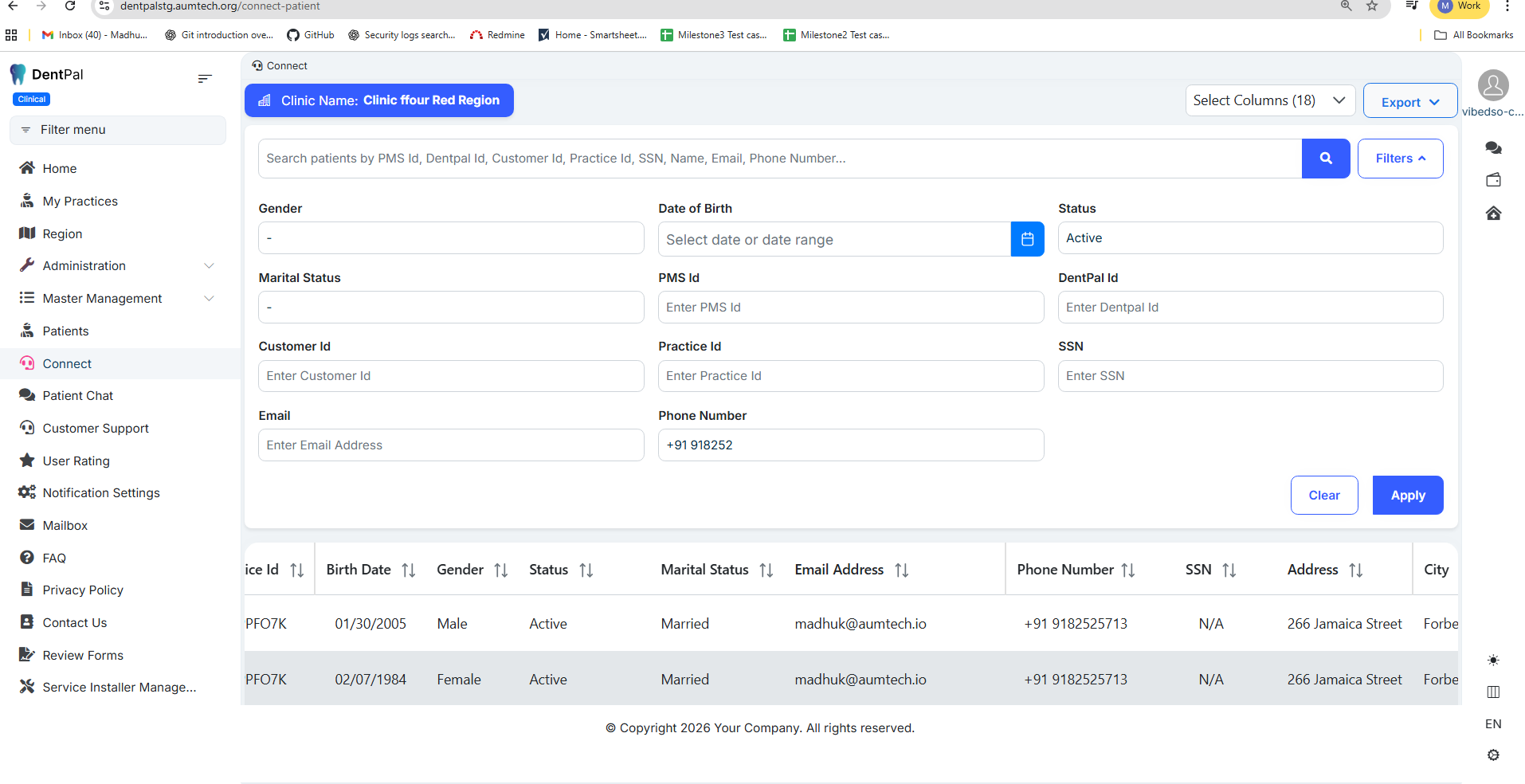
Logged in as Company Admin → Go to Connect → Filters.
In the Phone Number filter:
Current Behavior:
Phone number format appears to follow Indian style.
Character limit is 10 digits.
When trying to search with a country code (example: +91XXXXXXXXXX), the search box allows only ~7 characters, making it impossible to enter the full number.
Expected Behavior:
Phone number field should follow USA format.
Increase input character limit to support:
+1XXXXXXXXXX
Users should be able to search using country code + phone number without truncation.
Files
Actions
#1
Updated by Swarna B 2 months ago
- File clipboard-202602131641-xm6kb.png clipboard-202602131641-xm6kb.png added
- File clipboard-202602131641-yjglw.png clipboard-202602131641-yjglw.png added
- Status changed from New to Resolved
- Assignee changed from Swarna B to Madhu Kampati
Fixed:
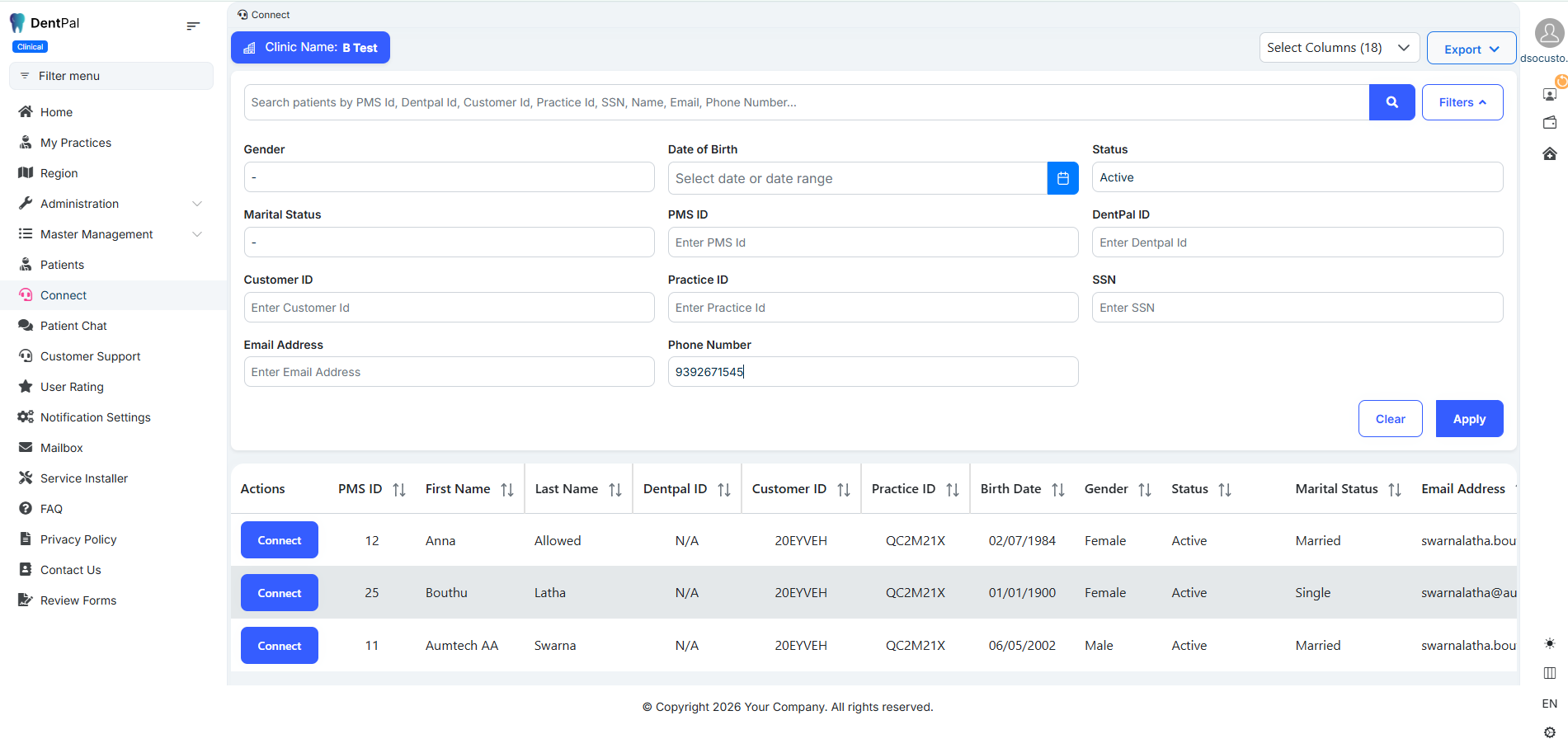
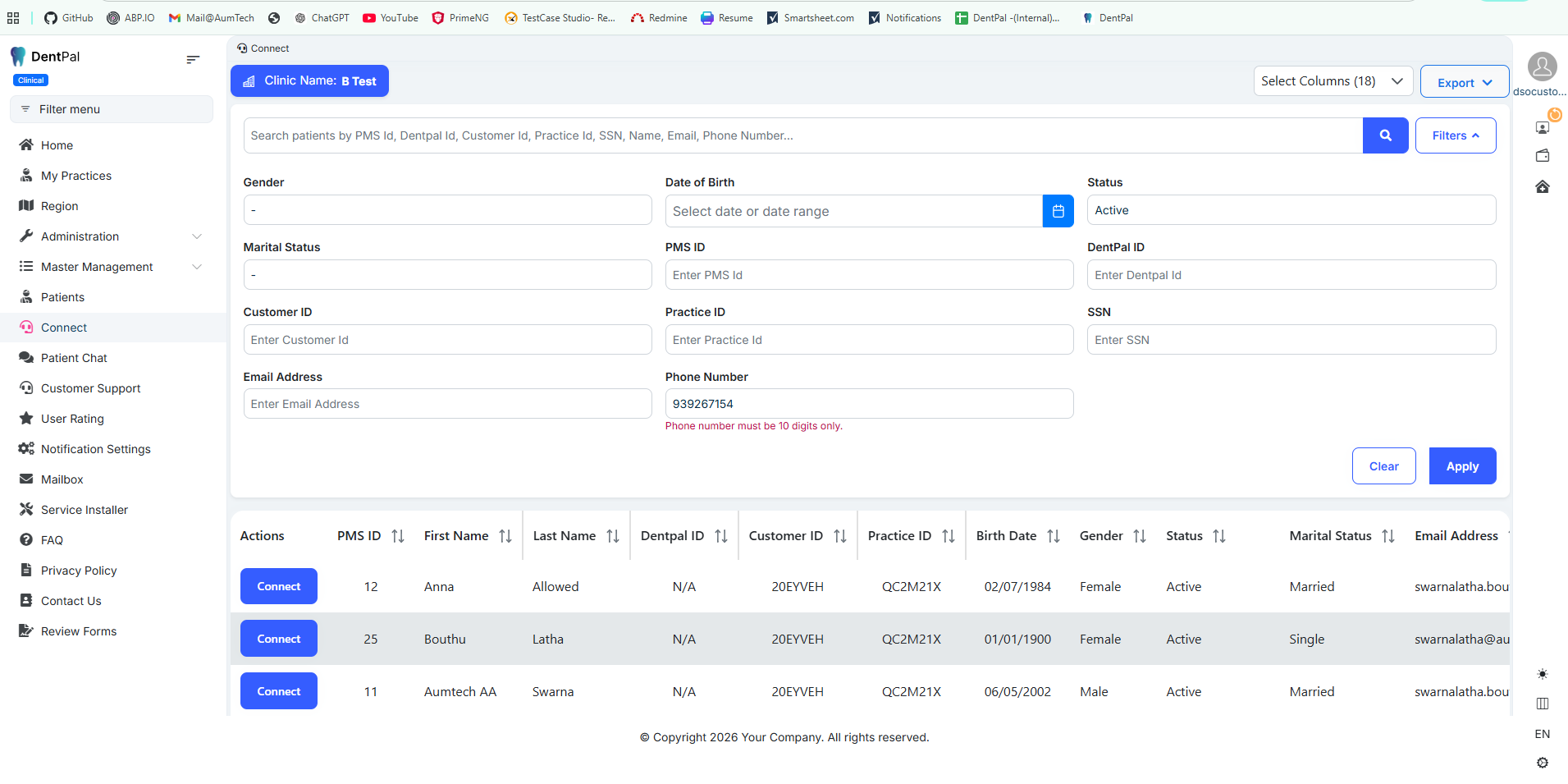
US format will be working during UI Enhancements.
Actions