Actions
UserInterface #609
openC1.1 > Blank Screen Displayed in Connect Page When All Select Column Options Are Unchecked
Start date:
12/30/2025
Due date:
% Done:
0%
Estimated time:
Severity:
Select Severity
Description
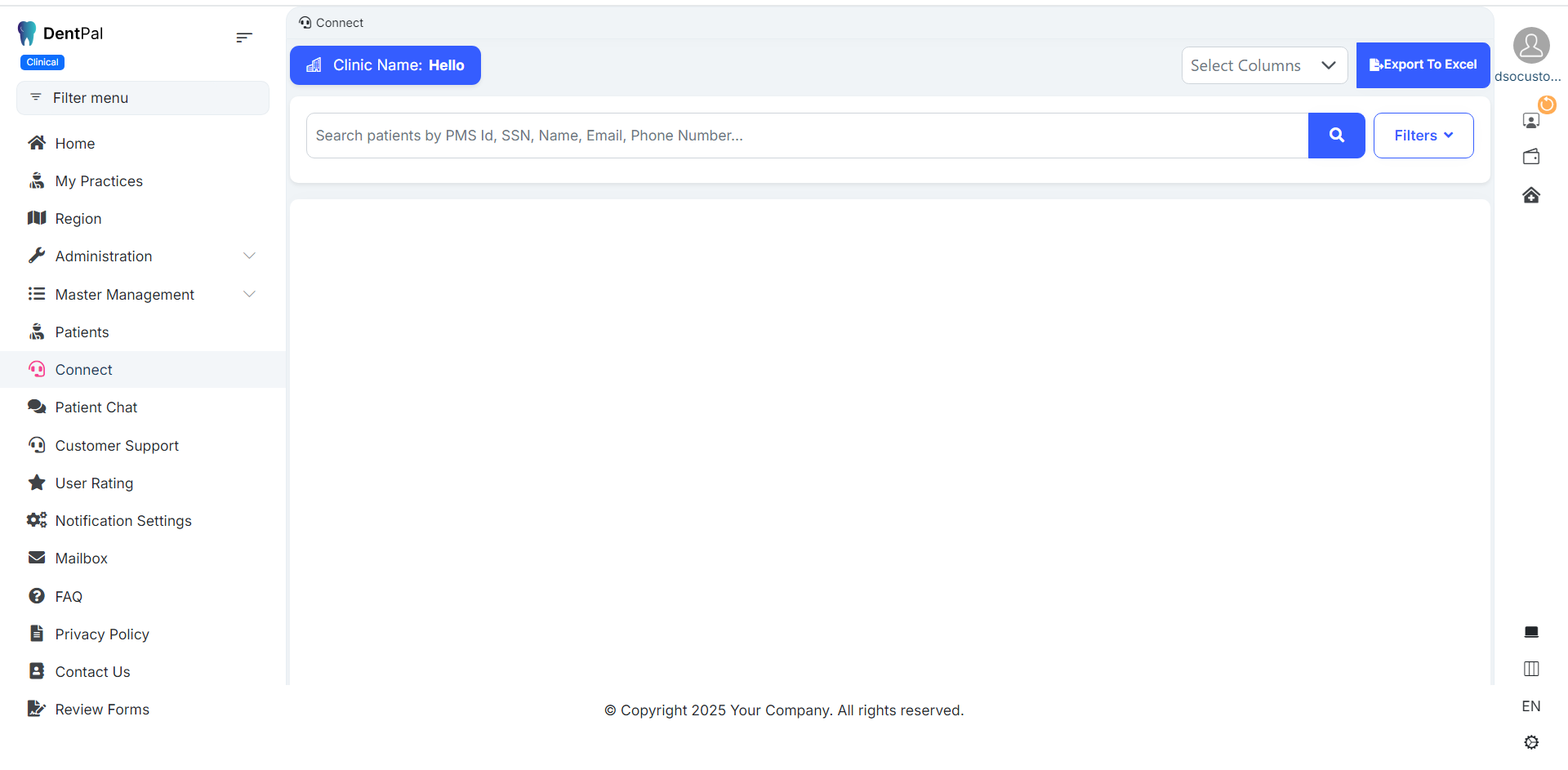
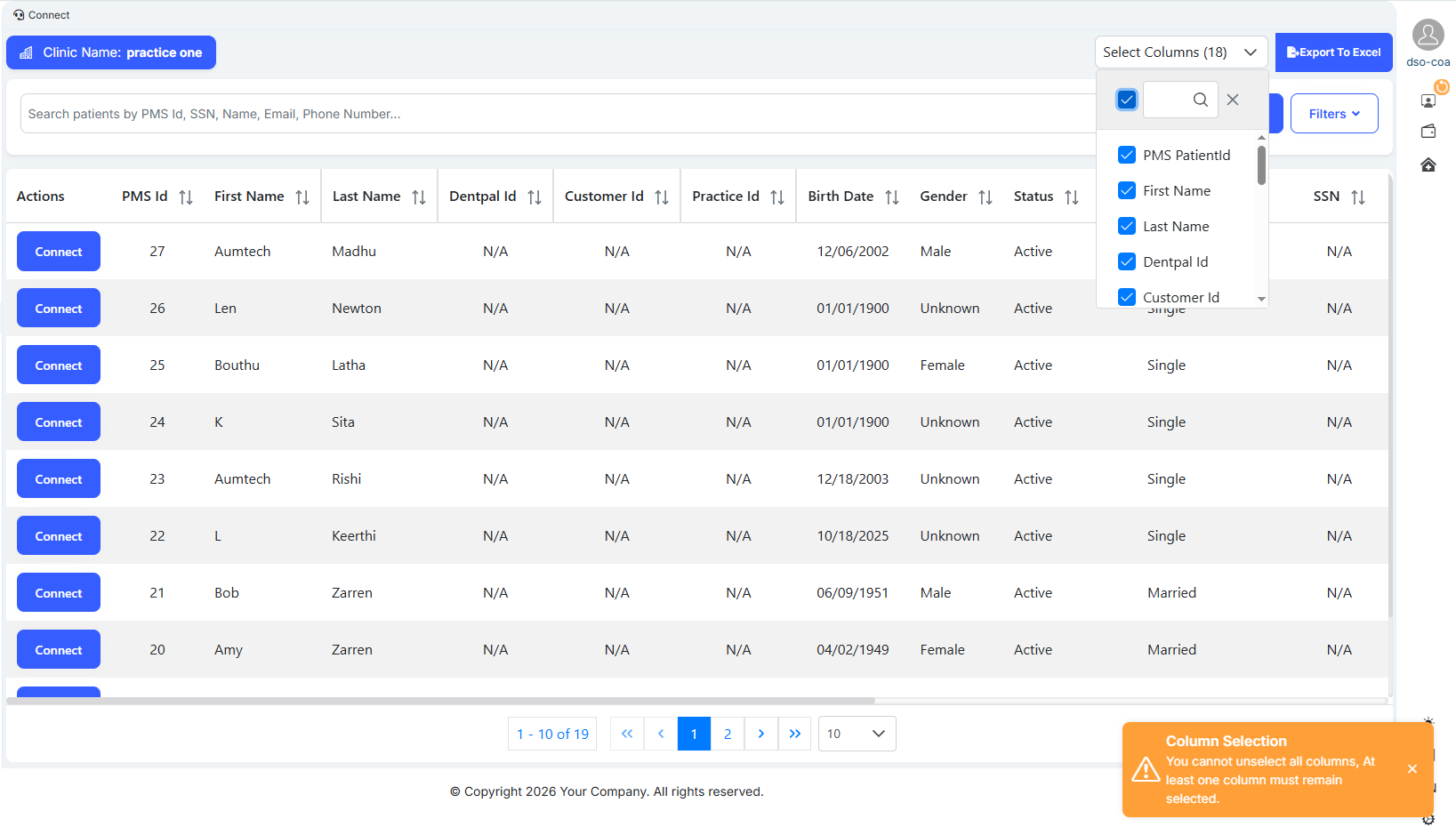
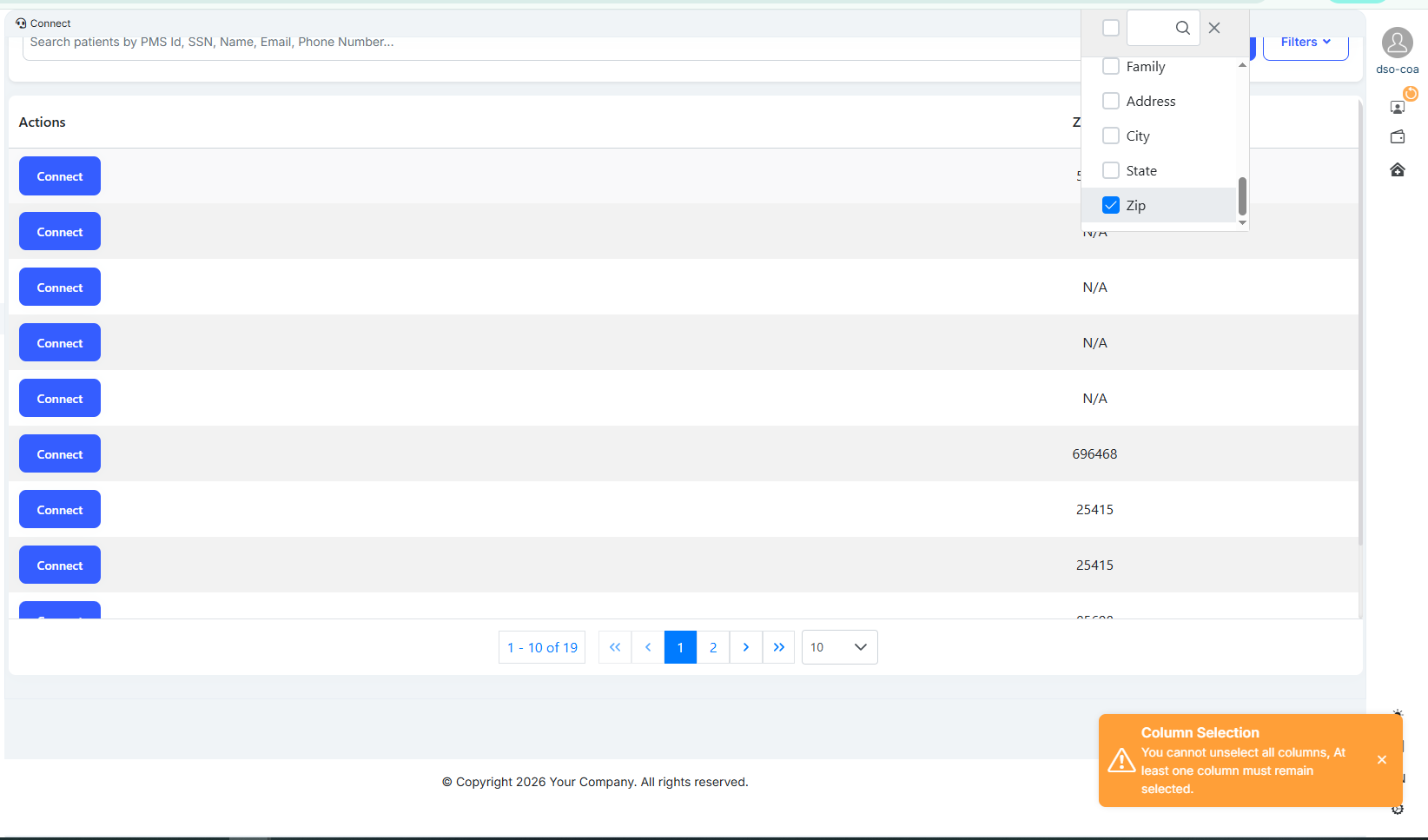
Login as a Company Admin → Go to Connect → Uncheck all options in the Select Column dropdown → The Connect page becomes blank instead of showing an appropriate message.
Expected Result:
When no columns are selected, the Connect page should display an appropriate message, such as:
“ No columns selected. Please select at least one column to view data .”
Files
Actions